
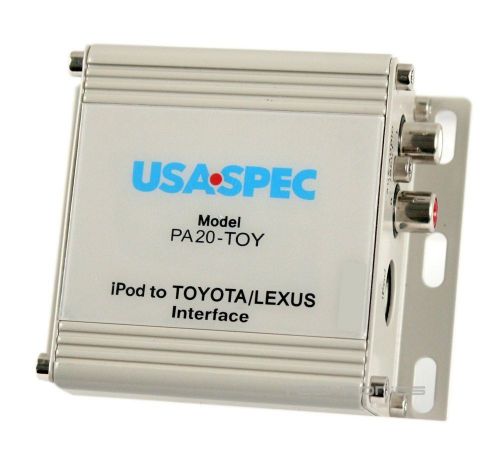
Pa20-toy Usa Spec - Ipod/iphone And Auxiliary Audio Input Interface on 2040-parts.com
Parker, Colorado, United States
|
This item is used, but in excellent condition and functions perfectly.
- iPod Control Adapter For Select Toyota And Lexus Factory Stereos - Track Up/Down, Fast-Forward, Reverse, And Shuffle Play - Use Up To Five Playlists (Select Five Favorites, Or Auto Playlist Will Let You Choose From The First Five On Your iPod) - Dual Mode Lets You Control Everything Via The iPod Itself, Giving You Access To All Playlists - Compatible With All iPod And iPod Mini Models Equipped With A Dock Connector And iPod Software Update 04-28-2004, Or Higher - Auxiliary Input (RCA Connectors) For Another Audio Source - Designed for newer Toyota/Lexus vehicles with Navigation - Full On Screen Display and control from Navigation radio screen - Works on vehicles with and without SAT Tuner button - Works on vehicles with or without SAT Tuner activated - Works on vehicles with or without SAT Tuner activated - No loss of In Dash 6 Disc Changer or SAT Tuner features or functions - Comes with new 5v charging cable - Charges all new and older iPod/iPhones FEATURES Of The PA20-TOY This Interface Connects A Compatible iPod To Select Toyota, Lexus, And Scion Audio Systems. Its On-Board Software Translates Commands From Your Toyota Radio's CD-Changer Controls Into Commands The iPod Understands. This Interface Enables The iPod To Take The Place Of A Toyota CD-Changer Or Co-Exist With A Factory Toyota Slave CD-Changer And Provides The Following Benefits: - Directs The iPod's Audio Output To Your Toyota's Vehicle Audio System For Optimal Sound Quality Playback. Specific Features: The PA20-TOY Is Recommended For Toyota/Lexus Vehicles With Factory Navigation Systems. On-Screen Song Title, Artist, And Song Selection From The Menu Is Available On All Factory Toyota And Lexus Vehicles With Nav. OPERATION MODES: The iPod interface adapter features the following modes of operation: Playlist Mode: You Can Create Up To 6 Favorite Mobile Playlist Then Use Your Radio's CD Changer Controls To Access And Control Your Playlist. iPod Text: Pressing The TEXT Button On Your Factory Toyota Radio While Your iPod Plays In The Playlist Mode, Allows The Artist Name And Song Title To Be Displayed On Your Factory Radio. The Artist Name Is Displayed At The First Time Press Of The TEXT Button And Song Title Is Displayed At The Second Time Press Of The TEXT Button. The Playlist Disc Number And Track Number Will Be Displayed At The Third Time Press Of The TEXT Button. Auxiliary Input: In Addition To The iPod Input On The PA20-TOY There Is An Auxiliary Input (Stereo RCA) For Use With Another Source, Such As A DVD System, Satellite Radio, Or Game System. The Aux Input Is Selected At CD 9 Track 1 Using The Factory Radio Controls. This Aux Input Can Be Used With Or Without The iPod Connected. To Use The Auxiliary Input On The Interface, Dip Switch #1 Must Be Set To The "On" Position. CONTROLS: The Factory Radio's Controls Give You Access To The Following iPod Functions: Scan: Plays First 10 Seconds Of Each Track Repeat Play Is Not Supported By This Interface. Switching To Another Source, Such As AM/FM, CD, Or Cassette, Puts The iPod Into Pause Mode. |
Interconnects for Sale
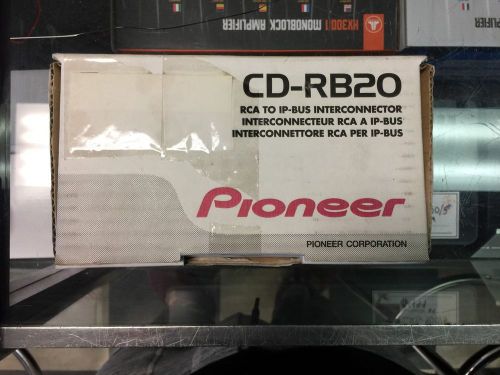 Cd-rb20(US $40.00)
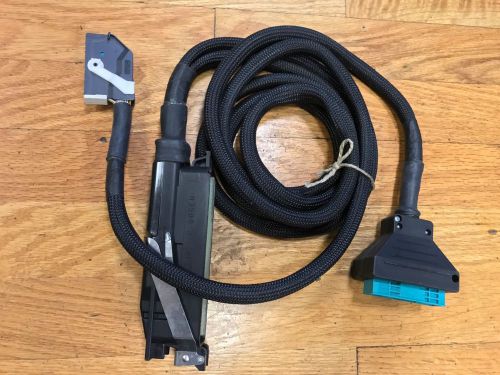 Porsche tester adapter cable 00072196170(US $600.00)
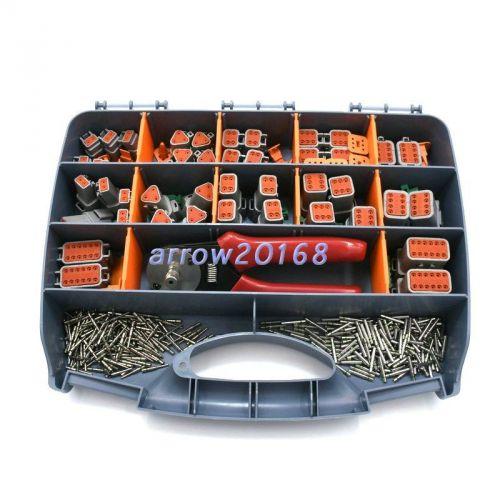 273pcs deutsch dt series automotive connector kit with crimping tool dt06/dt04(US $143.59)
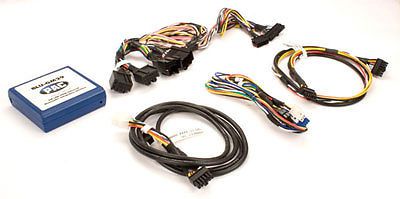 Pac blu-29 blue tooth integration interface(US $89.00)
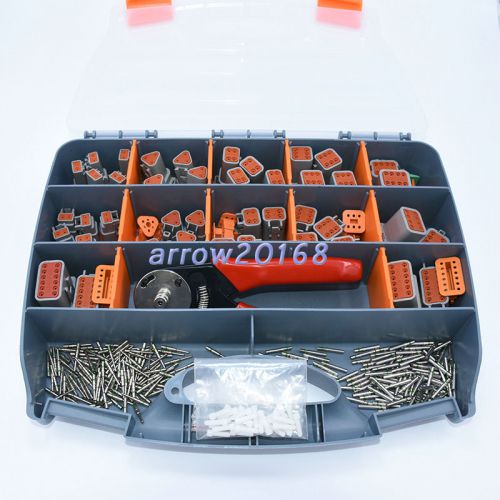 273pcs deutsch dt series automotive connector kit with crimping tool dt06&dt04(US $152.39)
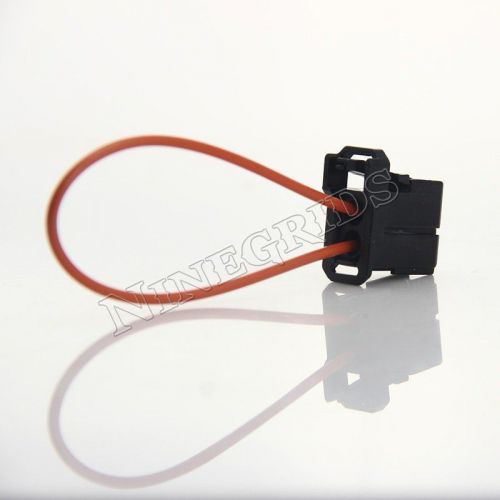 Most fiber optic loop bypass car diagnostic connector male adapter for mercedes
Study Highlights Perils Of Distracted Driving
Thu, 02 Jan 2014IF YOUR mind has ever wandered when behind the wheel you’ll likely relate to this latest study of driver behaviour. According to the Eunice Kennedy Shriver National Institute of Child Health and Human Development in Maryland, USA, motorists typically have their eyes off the road for a tenth of the time they are driving. Worryingly, for 10 per cent of their journey they are eating, reaching for the phone, texting or engaged in other activities that cause concentration to wander away from what is happening beyond the windscreen.
Fuel prices 'still number one concern'
Tue, 08 Apr 2014FUEL DUTY freezes have done nothing to stop the public worrying about the price of filling up their cars, according to research from British Car Auctions. More than 70% of the 400-person sample cited fuel prices as the number one concern when it comes to motoring costs, despite reports from the AA that pump prices have actually fallen over the last year. Second place in the survey was taken by the cost of road tax, which reflects that the survey was taken among used car buyers.
Aston Martin Rapide – first official image
Tue, 14 Apr 2009First official image of the Aston Martin Rapide [ad#ad-1] The Aston Martin Rapide been coming for ever. But it’s getting closer (even though its not actually going to be on sale until 2010) and finally Aston Martin has released the first official image of the car, although there was a so-called official image (or rendering) of the Rapide a little while back. For some reason this story and the image were embargoed until tomorrow.